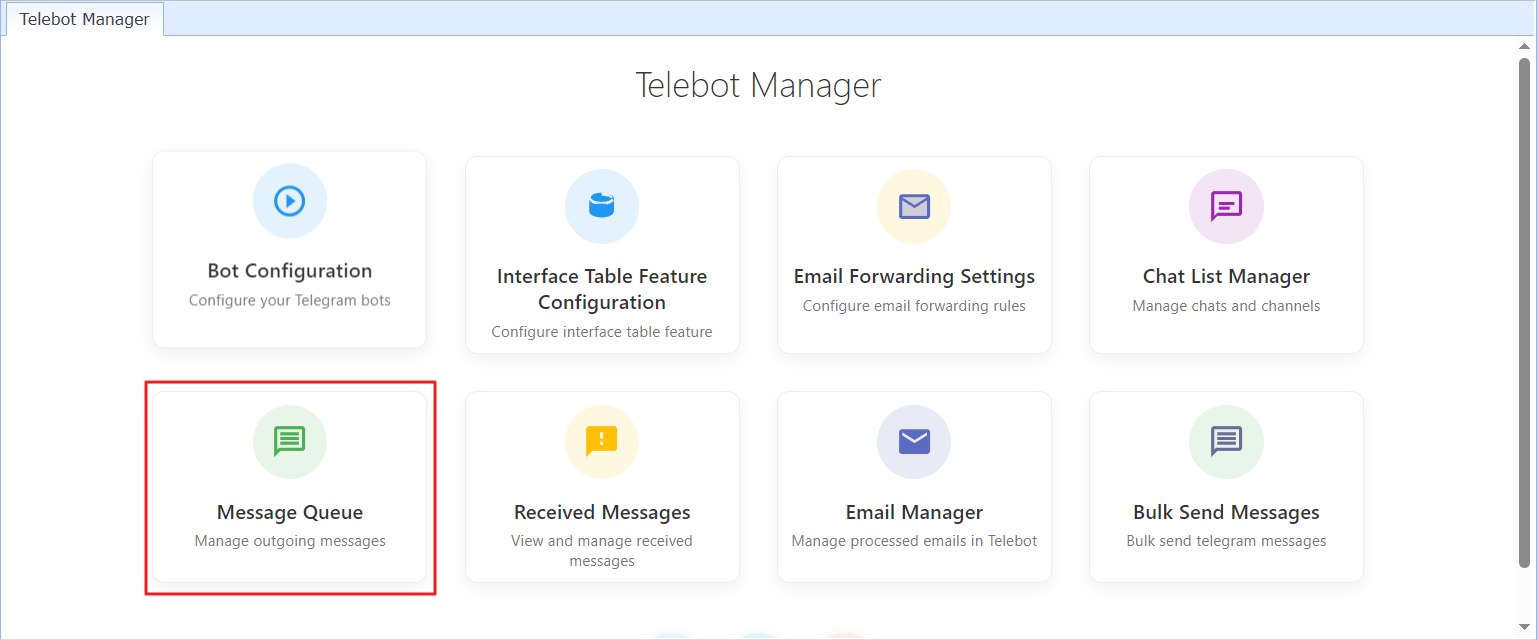
The "Message Queue" displays the list of messages you have sent or scheduled to send through Telebot.
In this list, you can:
Check message delivery status
Delete queued messages
Resend selected messages
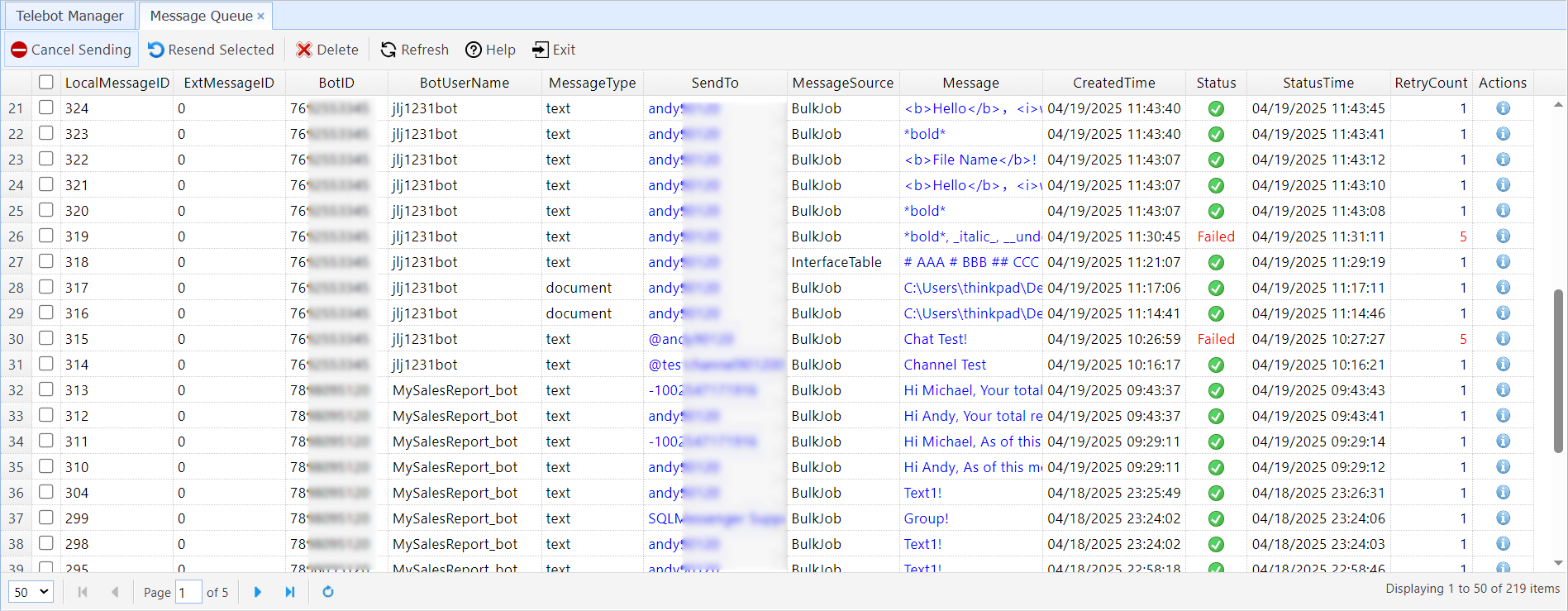
The description of the columns in the table is as follows:
LocalMessageID |
A unique identifier generated by Telebot for local message tracking. |
ExtMessageID |
If the message is generated from an interface table of another database, the ExtMessageID records the Message ID of the message in the other database. |
BotID |
The ID of the Telegram Bot that sent this message. Configuring Telegram Bot |
BotUserName |
The username of the Telegram Bot that sent this message. Configuring Telegram Bot |
MessageType |
The type of the message. |
SendTo |
The username of the contact or channel receiving the message. |
MessageSource |
The source of the message. 0 - Unspecified
1 - BulkJob. The message is generated by a bulk message sending request. See: Using Telebot to Send Telegram Messages in Bulk.
2 - EmailForwarded. 消The message is generated when a new email is forwarded to Telegram. See: Forwarding New Emails to Telegram Contacts, Groups, or Channels.
3 - InterfaceTable. The message is generated by an interface table from another database. See: Send Messages to Telegram Contacts in Your SQL Query.
|
Message |
The content of the message. |
CreatedTime |
The creation time of the message. |
Status |
The sending status of the message. |
StatusTime |
The status time of the message. |
RetryCount |
How many times the message was retried during sending. |
Actions |
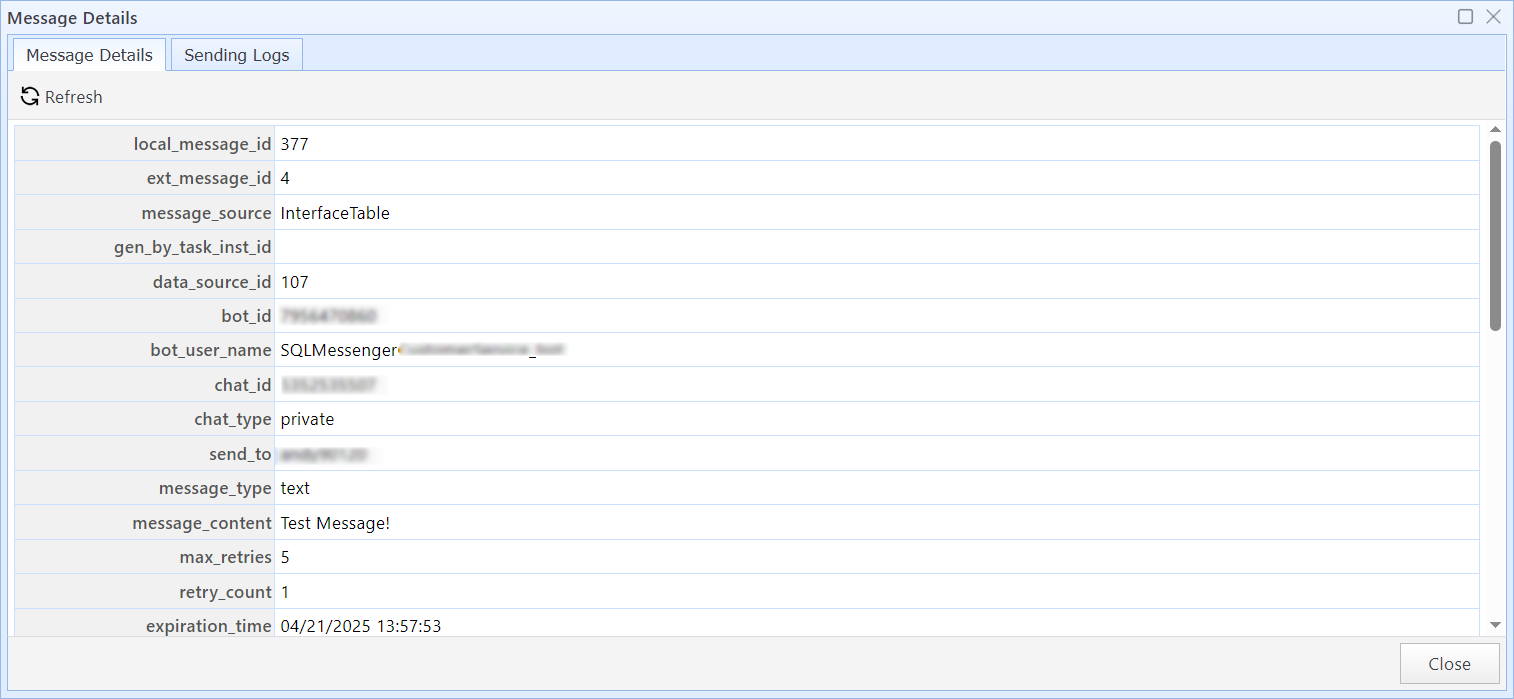
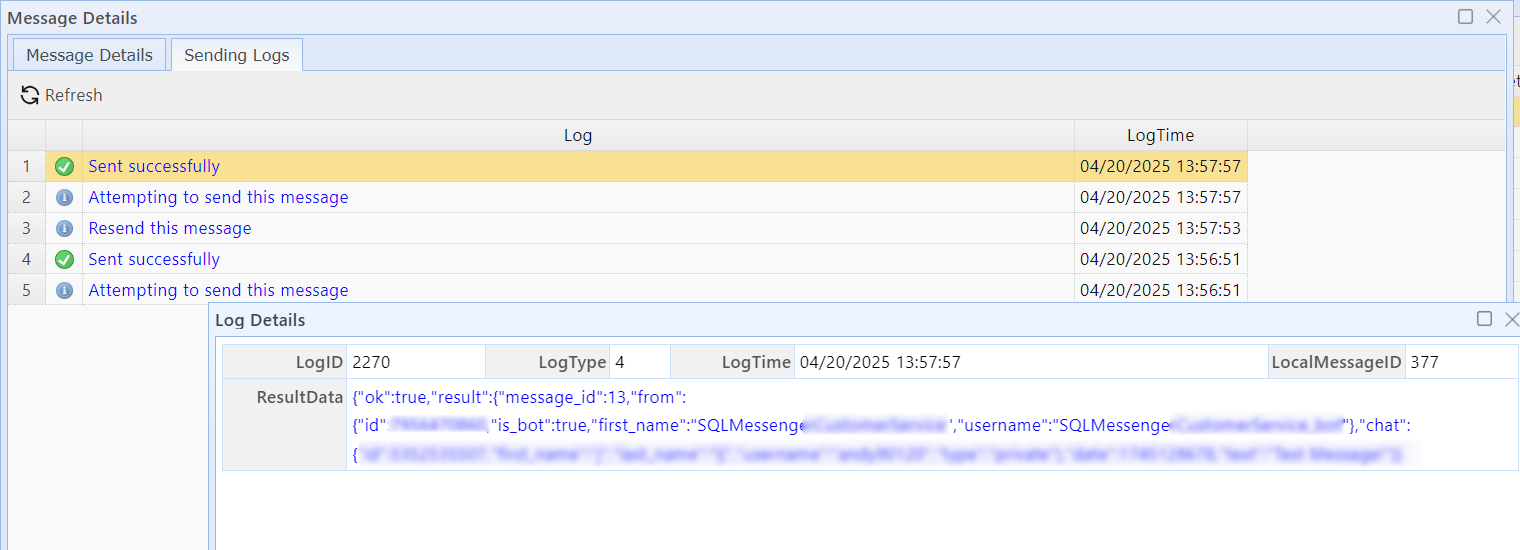
Click to view the detailed information and sending log of the message.
Message Details
Message Sending Logs |